Your notch is hungry.
Drag a file to the top of your screen and a monster eats it. Option-Command-Z brings it back.
How it works
Drag
Drag any file from Finder to the top of your screen. Works on Macs with or without a notch, and on external displays.
Drop
The monster reaches out and holds the file. Let go and it eats it. The file goes to the Trash.
Undo
Press Option-Command-Z to put the last file back where it was.
Nine monsters
Each one eats files its own way. The Symbiote is free. The other eight come with Pro.
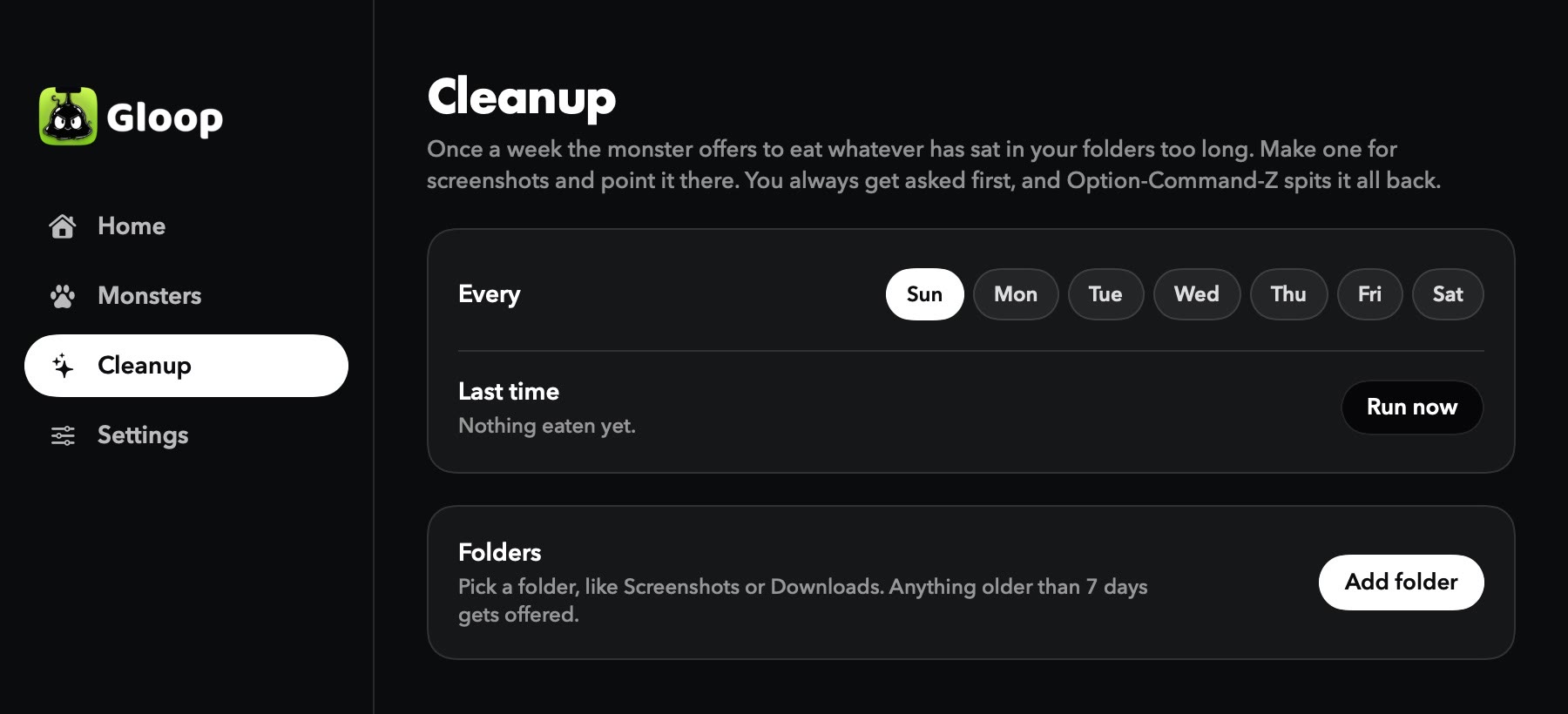
Weekly folder cleanup
Pick a folder, like your Screenshots or Downloads folder. Once a week, Gloop offers to clear out anything older than 7 days.
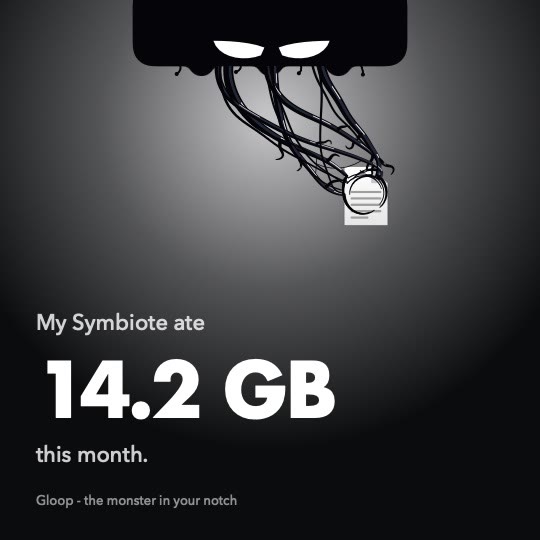
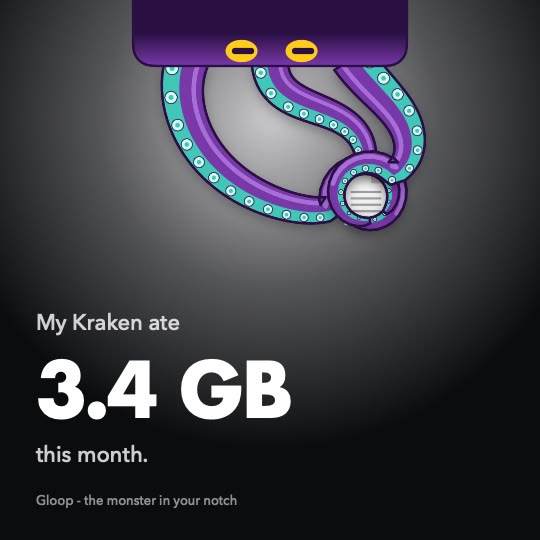
Monthly stats card
Gloop counts how much space you freed each month and makes a card you can share.
Also in Gloop
Pick your monster
Switch monsters from the menu bar, or turn on Shuffle to get a random one each time.

Notch or no notch
On screens without a notch, Gloop draws its own at the top of the screen.
Sounds
Each monster has its own sound. You can turn them off in the menu.
Option-key mode
Set Gloop to eat files only while you hold the Option key.
CPU when idle
Measured on a MacBook: near 0% CPU and about 50 MB of memory while waiting.
Pricing
Free with the Symbiote. Pro is a one-time purchase on the Mac App Store.
Gloop
- The Symbiote
- Drag files to the notch to trash them
- Option-Command-Z to spit it back
- Sounds and a running count
Gloop Pro
- All nine monsters
- Shuffle mode
- Weekly folder cleanup
- Monthly stats card to share
- No subscription, ever